Microsoft & Apple Tech Support Scam Tactics Exposed
Learn how tech support scammers impersonate Microsoft and Apple to steal money and data. Spot the warning signs and protect yourself today.
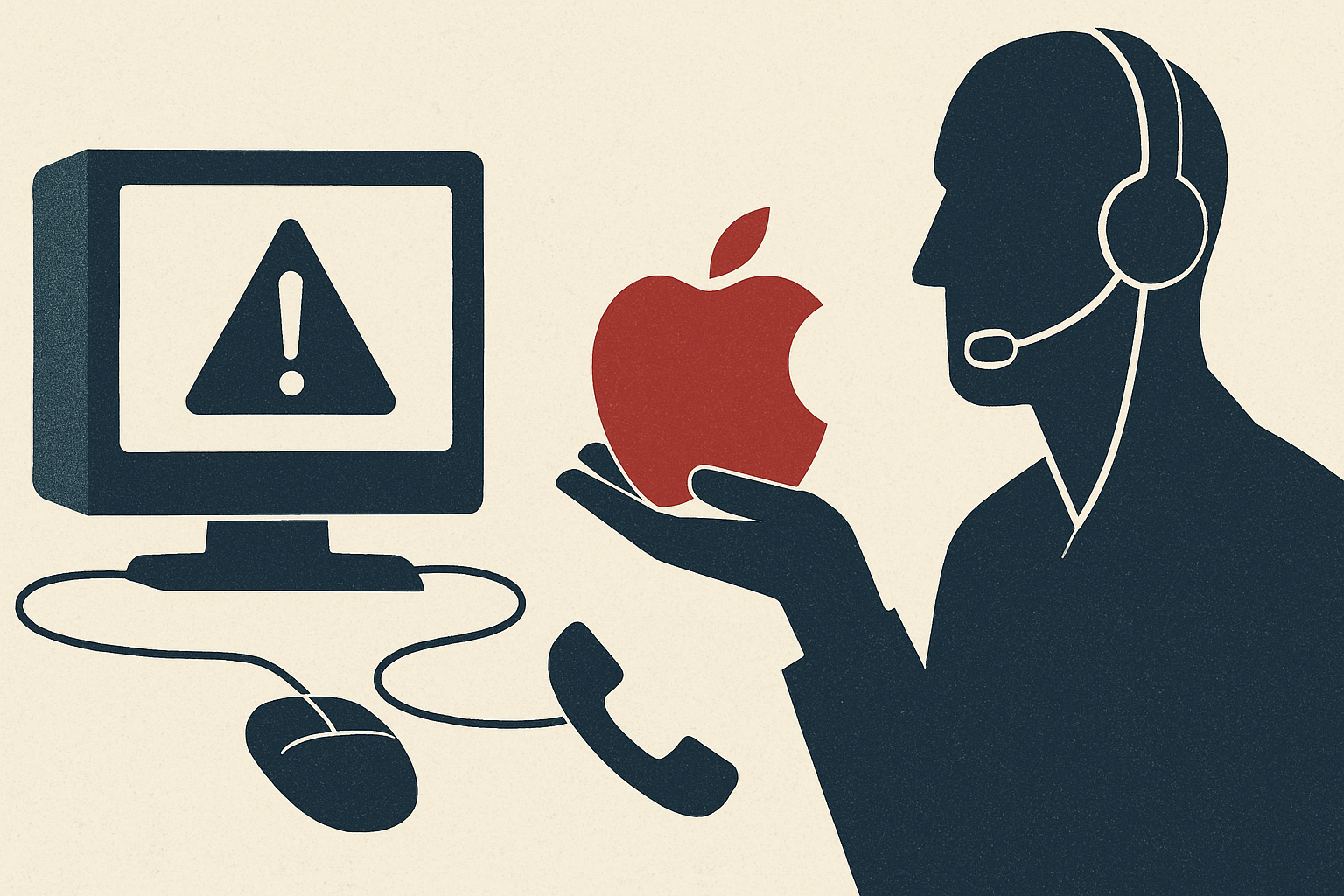
Every day, thousands of people receive alarming pop-up messages, phone calls, or emails warning them that their computer has been compromised — and that Microsoft or Apple needs immediate access to fix the problem. These messages feel urgent, authoritative, and frighteningly real. But they are almost always fraudulent. Tech support scams impersonating Microsoft and Apple have become one of the most prolific and financially devastating forms of consumer fraud in the United States and globally. According to the FBI's Internet Crime Complaint Center (IC3), tech support fraud cost victims over $924 million in 2023 alone, with older adults disproportionately targeted. Understanding how these scams work is the first and most powerful line of defense.
What Is This Fraud and How It Works
Tech support scams typically begin with an unsolicited contact — a pop-up browser alert, a cold phone call, a phishing email, or even a fraudulent search engine advertisement. The scammer impersonates a legitimate technology company, most commonly Microsoft or Apple, because these brands are universally recognized and trusted. Pop-up scams are among the most common entry points. A victim browsing the internet suddenly sees a full-screen warning claiming their device has been infected with a virus or that their Windows license has expired. The message displays a toll-free number and instructs the user not to shut down their computer. When the victim calls, they reach a fraudulent 'support center' staffed by criminals — often operating from overseas call centers — who speak convincingly about technical threats. In phone-based scams, the criminal calls the victim directly, spoofing caller ID to display official-looking numbers associated with Microsoft or Apple. They claim the victim's device has sent error reports to the company's servers, indicating a serious infection or breach. Once contact is established, the scammer's goal is to gain remote access to the victim's computer using legitimate remote desktop tools like AnyDesk, TeamViewer, or Quick Assist. With that access, they can install malware, harvest stored passwords, access banking portals, and stage fake diagnostic screens to 'prove' the infection exists. The scammer then demands payment — typically ranging from $200 to several thousand dollars — for fraudulent 'security software' or a multi-year 'protection plan.' Payments are often requested via gift cards, wire transfers, cryptocurrency, or even cash sent through the mail, all methods that are extremely difficult to trace or reverse. In more sophisticated operations, scammers also execute 'refund scams,' telling victims they are owed money from a previous service and accidentally 'over-refunding' them — then pressuring victims to return the difference through untraceable means.
Warning Signs to Watch For
Recognizing the hallmarks of a tech support scam can prevent significant financial and personal harm. The most critical warning sign is unsolicited contact. Microsoft and Apple do not proactively call customers about computer problems, and they do not send browser pop-ups with phone numbers demanding you call for support. Legitimate security alerts from these companies are delivered through your device's own operating system or official application interfaces — never through a generic web browser window. Be highly suspicious of any communication that creates a sense of panic or urgency, insisting that your data will be lost or your accounts will be locked unless you act immediately. Scammers deliberately trigger fear to bypass rational thinking. Other red flags include requests to install remote access software, demands for payment via gift cards or wire transfers, requests to log into your bank account during the support session, and callers with heavily scripted responses who become aggressive or threatening when you question them. Poor grammar in written alerts, generic greetings, and phone numbers that don't match official company websites are also telling indicators. Scammers frequently use lookalike domain names or phone numbers with minor variations designed to pass a cursory glance.
How to Protect Yourself
Protection begins with awareness, but practical technical and behavioral habits dramatically reduce your risk. First, never call a phone number displayed in a browser pop-up warning, and never allow remote access to your computer to someone who contacted you unsolicited. If you are concerned about a legitimate security issue, navigate directly to the official Microsoft or Apple website by typing the address manually into your browser and use their official support channels. Keep your operating system, browsers, and security software updated — legitimate patches from Microsoft and Apple are delivered automatically through your system settings, not through phone calls. Enable two-factor authentication on all critical accounts, and use a reputable password manager to avoid reusing credentials. Consider installing a reliable ad blocker and browser extension that flags malicious websites, which can help prevent you from landing on scam-laden pages in the first place. Educate vulnerable family members, particularly elderly relatives who may be less familiar with these tactics. Scammers specifically target seniors because they are statistically more likely to trust authority figures, less likely to have prior exposure to these fraud patterns, and may have accumulated retirement savings that represent a high-value target. Discuss these scams openly and establish a family protocol for verifying unexpected tech support contacts before acting on them.
What to Do If You're Targeted
If you suspect you are being targeted by a tech support scam, the single most important immediate action is to hang up or close the browser window — do not engage further. If you have already granted remote access to your computer, disconnect from the internet immediately by unplugging your ethernet cable or disabling Wi-Fi, then shut the device down. Contact a trusted, local IT professional to inspect your system for malware, keyloggers, or backdoors that may have been installed during the session. Change all passwords — especially for email, banking, and social media accounts — from a separate, clean device. Notify your bank immediately if the scammer accessed any financial accounts or if you made a payment. Financial institutions may be able to freeze or reverse transactions if contacted promptly. Report the scam to the Federal Trade Commission at ReportFraud.ftc.gov, the FBI's IC3 at ic3.gov, and your state's attorney general office. You should also report directly to Microsoft at microsoft.com/reportascam or Apple through their official support portal. These reports contribute to law enforcement databases that track criminal networks and help protect future victims. Remember: falling for one of these scams is not a sign of ignorance. These operations are professionally designed to deceive, and the psychological pressure they apply is calculated and relentless. Reporting promptly is one of the most important actions any victim can take.