Microsoft & Apple Tech Support Scams: Full Guide
Tech support scams impersonating Microsoft and Apple cost victims $2.1 billion in 2025. Learn the tactics, red flags, and how to protect yourself.
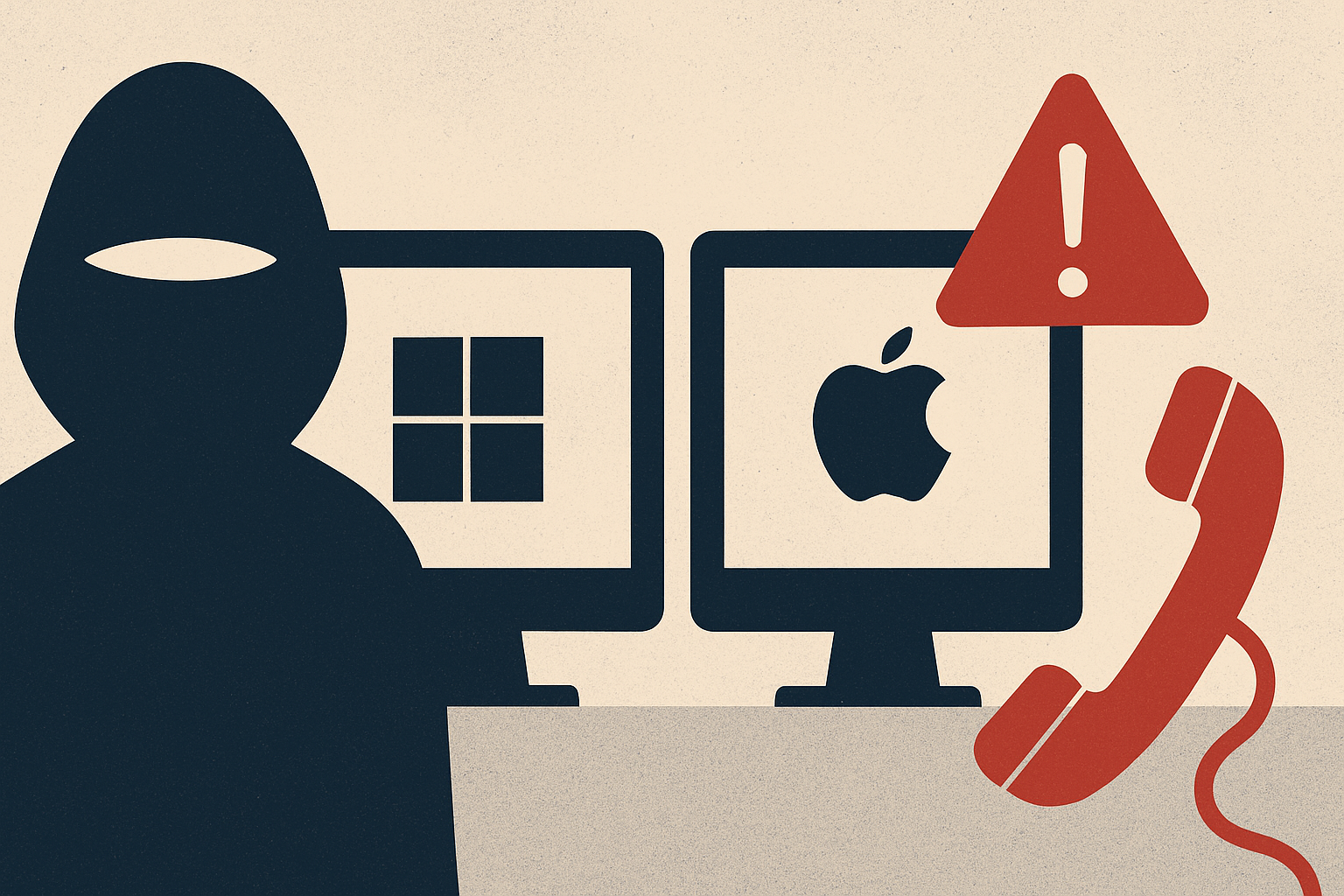
Tech support scams impersonating Microsoft and Apple have grown into one of the most financially devastating fraud categories tracked by U.S. law enforcement. According to the FBI's 2025 Internet Crime Report, tech and customer support scams generated more than $2.1 billion in reported losses — ranking third overall behind only investment fraud and business email compromise. With more than 80,000 complaints filed in a single year, these scams are no longer a niche threat targeting only the elderly or the tech-unsavvy. They are a sophisticated, industrialized fraud operation run from illegal call centers around the world, and they are coming for anyone with a device and an internet connection.
What Is This Fraud and How It Works
Tech support fraud occurs when criminals impersonate representatives from well-known technology companies — most commonly Microsoft and Apple — to trick victims into granting remote access to their computers or sending money for fake repair services. The attack chain typically begins with a pop-up warning that appears to freeze or lock the victim's browser, displaying urgent language about a virus, data breach, or account compromise, along with a phone number to call immediately. When the victim calls, a scammer posing as a Microsoft or Apple technician claims to detect serious problems and offers to fix them �� for a fee. Once the victim pays or grants remote access, the criminal can harvest banking credentials, passwords, and personal data directly from the machine. A more evolved variant, flagged by the FTC, escalates the deception further: after the fake tech support call, victims are transferred to a second scammer impersonating a government agency like the FTC or FBI, who claims the victim's bank account has been compromised and that the only way to protect their money is to wire it, buy gift cards, purchase gold, or convert funds to cryptocurrency — all of which the scammer then steals. Illegal call centers operating globally run these schemes at industrial scale, with some operations uncovered by law enforcement — including a raid under Operation Chakra — revealing complex money laundering networks using cryptocurrency and bank transfers.
Warning Signs to Watch For
Recognizing a tech support scam before it progresses is your most powerful defense. Here are the critical red flags: First, any unsolicited pop-up, browser alert, or full-screen message urging you to call a phone number is almost certainly fraudulent — real security software from Microsoft or Apple will never ask you to call a number embedded in an alert. Second, any cold call, text, or email claiming to be from Microsoft, Apple, or Geek Squad that you did not initiate should be treated as suspicious immediately. Third, urgency is a core manipulation tool — phrases like 'your device has been hacked,' 'your account will be suspended,' or 'you must act now' are designed to override rational thinking. Fourth, scammers frequently request unconventional payment methods: wire transfers, gift cards, cryptocurrency, or even cash dropped off in person — no legitimate tech company will ever demand payment this way. Fifth, any request for remote access to your computer from someone you did not independently contact through a verified channel is a major warning sign. Finally, watch for the 'escalation' pattern: being handed off to a second 'agent' claiming to be from a bank, the IRS, the FBI, or the FTC is a hallmark of the multi-stage scam variant now widely in use.
How to Protect Yourself
Prevention starts with skepticism and ends with verification. Never click links or call numbers displayed in unexpected pop-up alerts — close the browser window entirely, and if your browser appears frozen, restart your computer. If you receive an unsolicited call claiming to be from Microsoft or Apple support, hang up. Neither company makes proactive support calls to customers. If you are genuinely concerned about a security issue on your device, navigate directly to Microsoft.com or Apple.com — type the address yourself, never use a link provided in an alert — and use the official support channels listed there. Keep your operating system and legitimate security software updated and run regular scans using software you installed yourself. Be especially cautious about remote access: never grant control of your computer to anyone you did not independently contact first. Discuss these scams with older relatives, as call centers overwhelmingly target older adults, and the financial impact on that demographic can be catastrophic. Finally, a Microsoft report on tech support scams found that Millennials and Gen Z are also heavily victimized, proving no age group is immune.
What to Do If You're Targeted
If you suspect you have been contacted by a tech support scammer, or have already interacted with one, act quickly. If you granted remote access, disconnect your computer from the internet immediately by unplugging your ethernet cable or disabling Wi-Fi. Change all passwords from a separate, clean device — not the one the scammer may have accessed. Contact your bank and any financial institutions right away to flag potential fraud and freeze accounts if necessary. Have your computer professionally inspected and cleaned to remove any software the scammer may have installed. Report the incident to the FTC at ReportFraud.ftc.gov and to the FBI's Internet Crime Complaint Center at ic3.gov — your report helps law enforcement track and disrupt these operations. Remember: scammers sometimes re-target prior victims by posing as recovery agents claiming to help you recoup lost funds — this is another layer of the same fraud. No legitimate government agency will contact you unsolicited to recover money on your behalf.