Phishing Email Red Flags Every User Must Know
Learn the critical phishing email red flags that cybercriminals use to steal your data. Protect yourself with expert fraud awareness tips today.
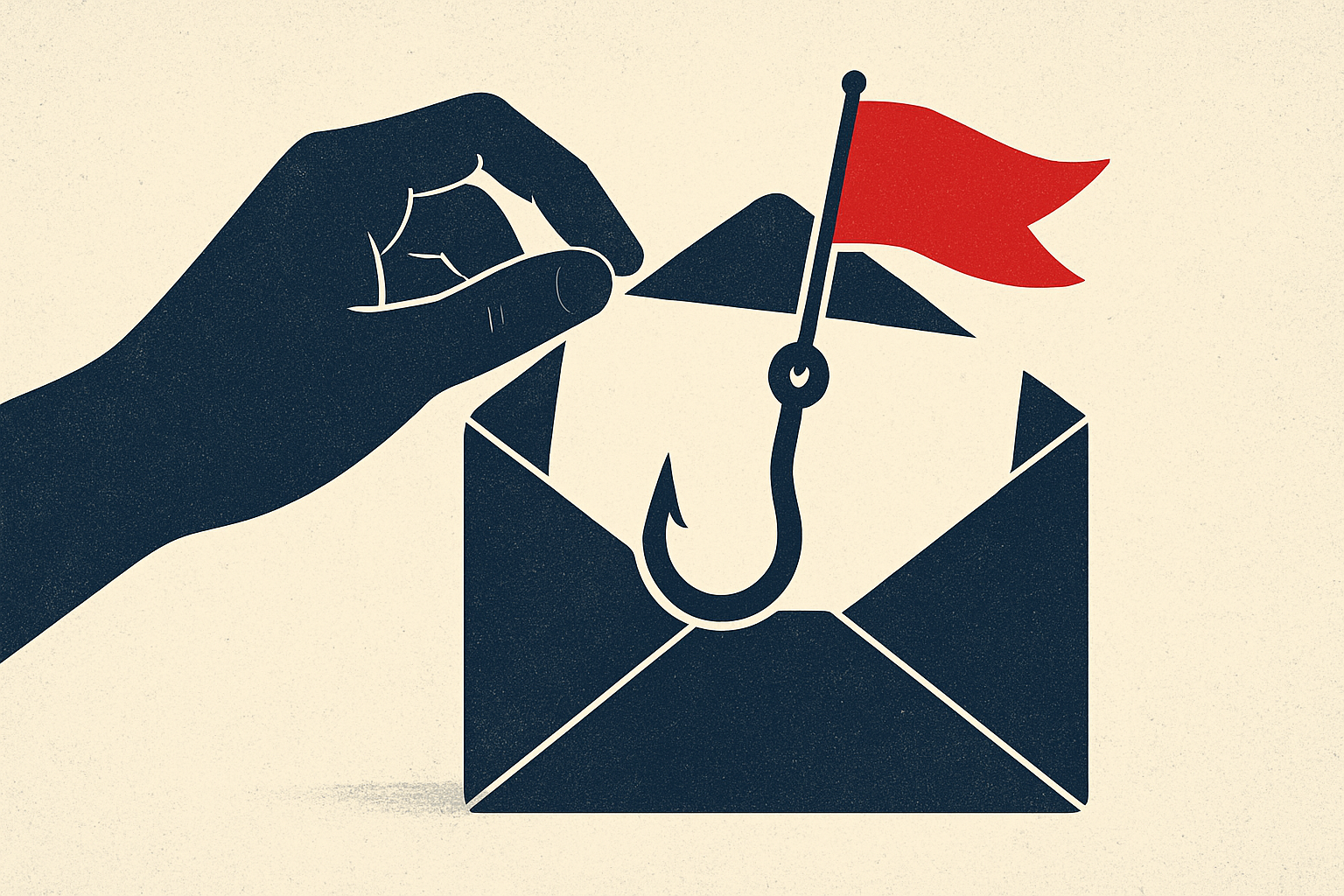
Phishing emails remain one of the most devastatingly effective tools in a cybercriminal's arsenal. Despite decades of public awareness campaigns, phishing attacks continue to succeed at alarming rates — the FBI's Internet Crime Complaint Center (IC3) reported that phishing was the most common cybercrime in 2023, affecting hundreds of thousands of victims and generating billions in losses. The reason phishing persists is simple: it keeps evolving. Today's phishing emails are far more sophisticated than the crude, typo-riddled messages of the early internet era. Modern attackers conduct reconnaissance on their targets, impersonate trusted brands with near-perfect precision, and exploit psychological vulnerabilities with calculated expertise. Understanding the red flags that distinguish a phishing email from a legitimate one is no longer optional — it is a fundamental survival skill in the digital age.
What Is Phishing and How It Works
Phishing is a form of social engineering in which fraudsters send deceptive electronic communications — most commonly emails — designed to trick recipients into revealing sensitive information, clicking malicious links, or downloading harmful attachments. The term itself is a deliberate play on 'fishing,' reflecting how attackers cast wide nets hoping victims will take the bait. The mechanics typically follow a predictable pattern: the attacker impersonates a trusted entity such as a bank, government agency, technology company, or even a colleague. The message creates a sense of urgency or fear — your account has been compromised, a package cannot be delivered, or your tax filing requires immediate attention. The victim, acting under pressure, clicks a link that leads to a convincing but counterfeit website where their login credentials, financial details, or personal information are harvested. More advanced variants include spear phishing, which targets specific individuals using personalized information, and whaling, which focuses on high-value targets like executives. Business Email Compromise (BEC) — a sophisticated phishing offshoot — cost businesses over $2.9 billion in 2023 alone according to FBI data.
Warning Signs to Watch For
Recognizing phishing emails requires vigilance and a trained eye. The first red flag is sender address discrepancies. While the display name may say 'PayPal Security Team,' hovering over or clicking the sender field often reveals an address like paypal-security@notifications-247.com — a domain completely unaffiliated with the real company. Legitimate organizations will always communicate from their official domain. Second, watch for generic greetings. Phrases like 'Dear Customer' or 'Dear Account Holder' suggest the sender does not actually know who you are — a hallmark of mass phishing campaigns. Third, be deeply suspicious of urgent or threatening language. Messages demanding you 'act within 24 hours or your account will be permanently suspended' are engineered to bypass your rational thinking and provoke impulsive action. Fourth, scrutinize every hyperlink before clicking. Hover your cursor over any link to preview the actual destination URL. Attackers frequently use URL spoofing techniques, substituting characters such as replacing the letter 'o' with the numeral '0,' or using subdomains like paypal.secure-login.net, which routes to a criminal site rather than PayPal. Fifth, unexpected attachments — especially .zip, .exe, .docm, or .pdf files — should be treated with extreme caution. These files frequently contain malware, ransomware, or keyloggers. Finally, poor grammar and unusual formatting remain telling signs, even in an era of AI-assisted phishing. Awkward phrasing, inconsistent fonts, or misaligned logos can indicate a fraudulent message assembled hastily or translated from another language.
How to Protect Yourself
Protecting yourself from phishing attacks requires a layered defense combining technology, policy, and personal habit. Start by enabling multi-factor authentication (MFA) on all accounts. Even if a phishing attack successfully captures your password, MFA creates a critical second barrier that prevents unauthorized access in the majority of cases. Next, keep your email client's spam filters updated and consider deploying advanced email security solutions that use AI to flag suspicious messages before they reach your inbox. Never click links directly in emails from financial institutions, government agencies, or technology companies — instead, navigate manually to the official website by typing the known URL into your browser. Organizations should implement DMARC, DKIM, and SPF email authentication protocols to prevent domain spoofing. Regular phishing simulation training for employees has been shown to dramatically reduce click-through rates on malicious emails. Additionally, bookmark websites you frequently use for sensitive transactions so that you are never dependent on a potentially fraudulent link. Installing reputable anti-malware software provides a final layer of defense in case a malicious attachment is accidentally opened.
What to Do If You're Targeted
If you suspect you have received a phishing email, do not click any links, download any attachments, or reply to the sender. Report the message using your email provider's built-in phishing report function — this helps platform algorithms improve detection for everyone. Forward suspicious emails impersonating U.S. government agencies to the Anti-Phishing Working Group at reportphishing@apwg.org, and report phishing attempts to the FTC at ReportFraud.ftc.gov. If you believe you have already clicked a malicious link or submitted sensitive information, act immediately: change your passwords across all affected accounts, contact your bank or financial institution to flag potentially compromised accounts, place a fraud alert or credit freeze with the major credit bureaus, and run a full malware scan on your device. Document everything — screenshots, email headers, timestamps — as this information will be invaluable if you need to file a report with law enforcement or your organization's IT security team. Remember, falling victim to a sophisticated phishing attack is not a reflection of your intelligence. These campaigns are professionally designed to deceive. What matters is how quickly and decisively you respond. Staying informed, staying skeptical, and staying prepared are your most powerful defenses against the ever-evolving threat of phishing fraud.