Phishing Email Red Flags: How to Spot Them
Learn the top phishing email red flags identified by the FTC and FBI IC3. Protect yourself from credential theft, identity theft, and financial loss.
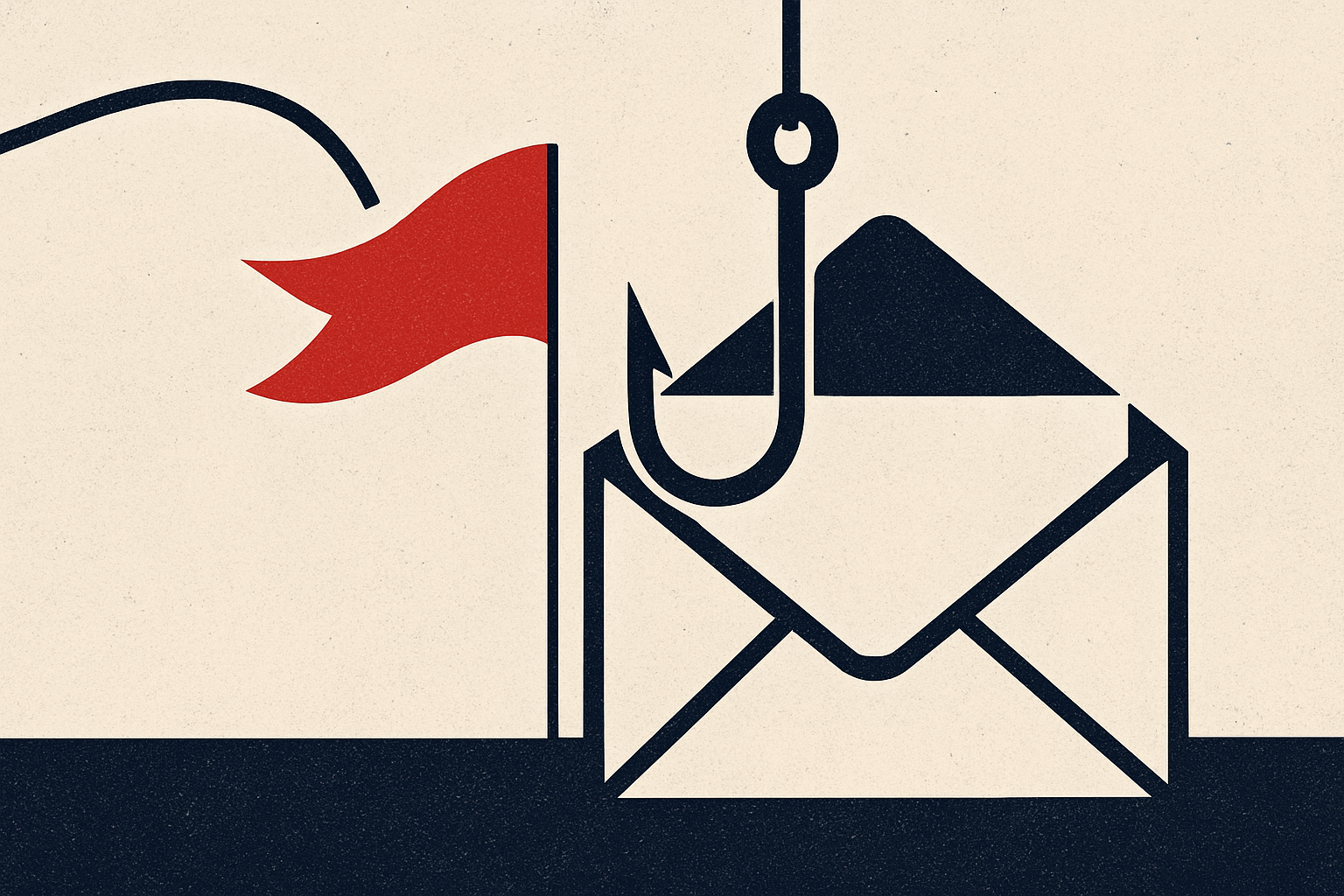
Phishing emails are no longer clumsy, typo-riddled messages from a foreign prince. They are precision instruments designed to steal your credentials, drain your bank account, and compromise your identity — and the numbers prove the threat is escalating fast. According to the 2025 FBI Internet Crime Complaint Center (IC3) Annual Report, phishing topped the list of all cybercrime complaint categories with 191,561 reports, while financial losses from phishing attacks nearly tripled year-over-year, surging from $70 million in 2024 to $215.8 million in 2025. The FTC separately confirmed that email was the single most common method scammers used to contact victims in 2024. Your inbox has become the frontline of fraud — and recognizing the red flags is your first and most powerful line of defense.
What Is Phishing and How It Works
Phishing is a form of social engineering in which a fraudster sends an email impersonating a trusted entity — a bank, government agency, utility provider, employer, or well-known brand — to manipulate the recipient into taking a harmful action. That action typically involves clicking a malicious link, opening an infected attachment, or entering credentials into a fake website. The FTC warns that scammers pretend to be companies you know and trust, claiming there is an overdue invoice, a suspended account, or a security problem that requires immediate action. If you provide information such as your Social Security number or date of birth, the attacker can pivot from financial theft to full-blown identity theft. Modern phishing has also evolved into an industrial operation: Phishing-as-a-Service (PhaaS) platforms sell ready-made kits that capture session cookies and two-factor authentication codes, enabling even low-skill criminals to run sophisticated, high-yield campaigns. The FBI IC3 2025 report confirmed that losses are escalating not because more people are being targeted, but because each individual attack is causing dramatically more financial damage — a clear sign that these campaigns are growing more targeted and effective.
Warning Signs to Watch For
Knowing what a phishing email looks like can stop an attack before it starts. Here are the most critical red flags identified by federal agencies and cybersecurity experts:
**Urgency and fear tactics.** Phishing emails frequently claim your account will be suspended, a payment is overdue, or legal action is imminent unless you act immediately. The FTC specifically flags messages warning that a streaming account is about to be suspended unless you respond quickly as a textbook phishing lure. Scammers use manufactured pressure to short-circuit your critical thinking.
**Spoofed or mismatched sender addresses.** The display name may say 'PayPal Security Team' while the actual sending address is a random or look-alike domain. Always expand the sender field and check the full email address character by character. Attackers frequently register domains that swap letters — such as 'paypa1.com' — to deceive at a glance.
**Generic or suspicious greetings.** Legitimate companies you do business with know your name. A greeting like 'Dear Customer' or 'Dear Account Holder' is a warning sign the message was blasted to thousands of recipients.
**Unexpected attachments or links.** The FTC advises never clicking links or downloading attachments in unexpected messages. Hover over any hyperlink to preview the destination URL before clicking — if it does not match the stated sender's official domain, do not click it. An executive from a company that specializes in legitimate digital invitations confirmed that anything asking you to download an attachment or log in to do something basic is a red flag.
**Requests for personal or financial information.** No legitimate bank, government agency, or business will ask you to confirm your Social Security number, bank account number, or credit card details via email. Such requests are a hallmark of phishing fraud.
**Fake event invitations.** The FTC issued a recent warning about phishing emails falsely telling recipients they are invited to an event, mimicking legitimate services. These fake invites are designed to capture your email login credentials, phone number, or a special code under the guise of RSVPing.
**Unusual HTML or attachment sizes.** Security researchers have noted that the average HTML file size in phishing emails has grown from 20.6 KB in 2021 to 735.4 KB in 2025, as attackers use larger files to evade detection filters. Large, unexpected HTML attachments should raise immediate suspicion.
**Requests to verify via QR code.** QR code phishing — sometimes called 'quishing' — has scaled rapidly, with Microsoft Defender QR detections rising 146% in just the first quarter of 2026. Embedded QR codes in emails bypass traditional URL scanning tools and redirect victims to credential-harvesting pages.
How to Protect Yourself
Awareness alone is not enough — you need concrete habits and technical safeguards working together. First, enable multi-factor authentication (MFA) on every account that supports it. Even if an attacker captures your password through a phishing page, MFA provides a critical second barrier — though be aware that advanced PhaaS platforms can now attempt to capture MFA tokens in real time, so always verify login prompts independently. Second, keep your security software and operating system fully updated; patches frequently close vulnerabilities that phishing-delivered malware seeks to exploit. Third, never click a link in an unsolicited email — go directly to the organization's official website by typing the URL into your browser. Fourth, use a password manager, which will not autofill credentials on a fake lookalike site, serving as a silent phishing detector. Fifth, implement email authentication protocols such as DMARC at the domain level if you manage a business, as this directly counters the domain spoofing that enables phishing at scale. Finally, treat every unexpected request for personal data, money, or credentials with suspicion, regardless of how official the email looks. AI is now being used to generate flawless, highly personalized phishing lures with no spelling errors and convincing context — the old advice of 'look for typos' is no longer sufficient.
What to Do If You're Targeted
If you receive a suspected phishing email, do not click any links, open any attachments, or reply. Report it immediately. The FTC directs victims to file a report at ReportFraud.ftc.gov. For business-related phishing or email compromise, report to the FBI's Internet Crime Complaint Center at IC3.gov. You can also forward phishing emails to reportphishing@apwg.org, which is monitored by the Anti-Phishing Working Group — a coalition of ISPs, security vendors, financial institutions, and law enforcement. If you believe you already clicked a malicious link or entered your credentials, act immediately: change your passwords on the compromised account and any other accounts sharing that password, contact your bank if financial information was entered, and place a fraud alert with the major credit bureaus. Time is critical — the FBI's Recovery Asset Team (RAT) has demonstrated it can freeze fraudulent wire transfers when victims report quickly, successfully clawing back millions of dollars in BEC cases documented in the 2025 IC3 Annual Report. The longer you wait, the smaller the window for recovery.