Phishing Email Red Flags You Must Know in 2025
Phishing was the #1 cybercrime by volume in 2024. Learn the critical phishing email red flags that help you spot and avoid these costly scams.
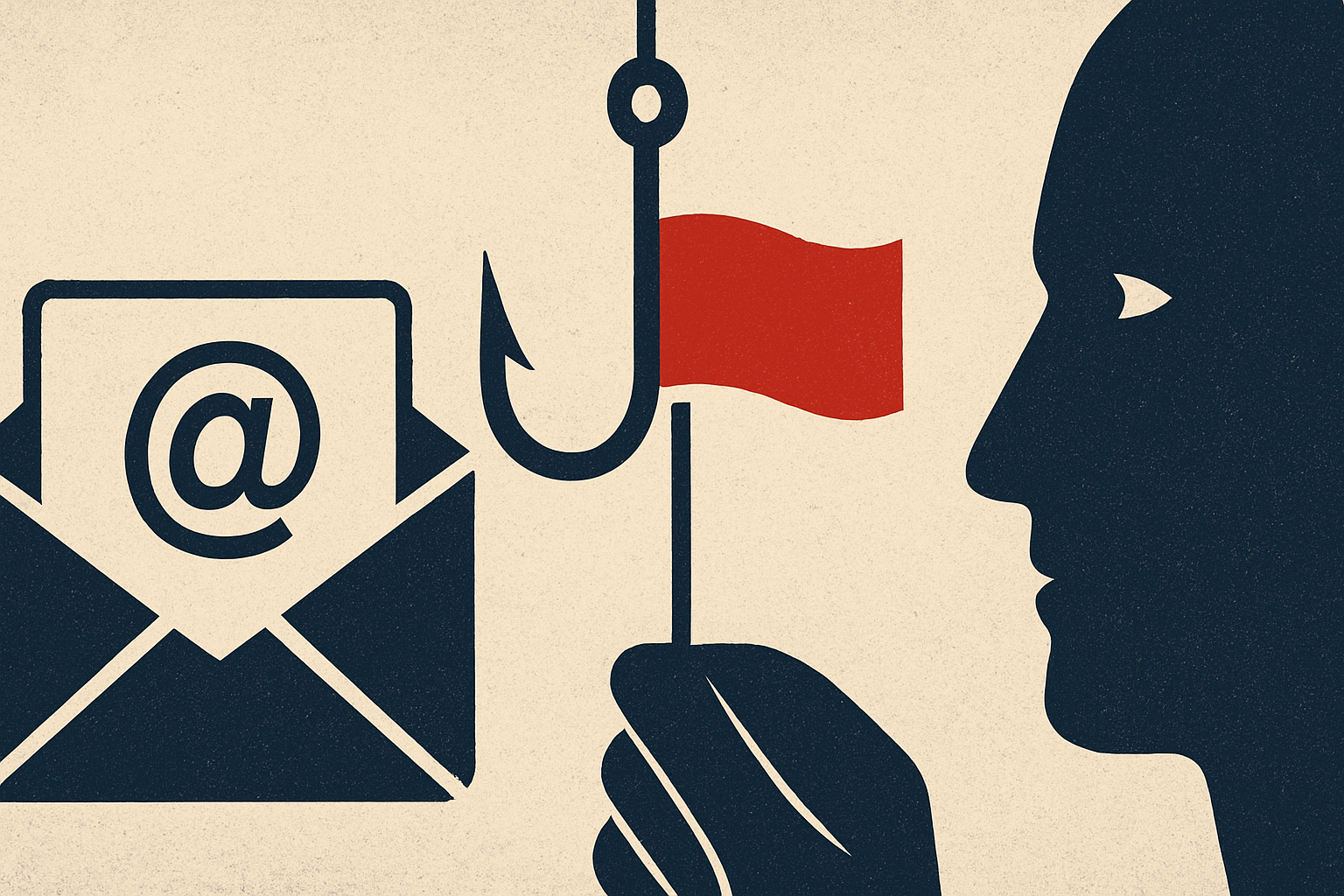
Phishing emails are not a niche cybercrime threat—they are the single most reported form of internet crime in America. According to the FBI's 2024 Internet Crime Report, phishing and spoofing topped all complaint categories with 193,407 reports filed in a single year, more than double the next most-reported crime type, extortion. And the 2025 IC3 data is even more alarming: phishing losses alone surged 208% year-over-year, jumping from $70 million to $215.8 million. Yet the volume of complaints barely changed, meaning individual attacks are becoming far more financially devastating. Recognizing a phishing email before you click could be the single most valuable fraud-prevention skill you develop this year.
What Is Phishing and How It Works
Phishing is a cyberattack method in which criminals impersonate trusted entities—banks, government agencies, delivery companies, popular software platforms, or even your own contacts—to steal sensitive information, credentials, or money. Attackers craft emails designed to trick victims into clicking malicious links, downloading infected attachments, or voluntarily entering passwords and financial information into fake websites. The FTC warns that scammers send phishing emails pretending to be companies you might know and trust, such as a bank or utility company, with goals that include stealing your money and, if they obtain data like your Social Security number or date of birth, potentially stealing your identity as well. Modern phishing has evolved far beyond the misspelled Nigerian prince email. Today's campaigns leverage AI-generated copy, spoofed brand logos, cloned login pages, and even fake event invitations designed to look like they come from legitimate services such as Paperless Post or Evite. The FTC recently warned that these fake invitation emails trick victims into entering email login credentials or phone numbers just to 'RSVP,' after which scammers can drain linked bank accounts.
Warning Signs to Watch For
The following red flags are your most reliable defenses against phishing. First, watch for artificial urgency. Phishing emails create a false sense of urgency so that recipients have less time to evaluate the validity of the message. Phrases like 'Your account will be suspended in 24 hours' or 'Immediate action required' are hallmarks of manipulation—legitimate companies will not threaten customers with adverse consequences if they do not act instantly. Second, scrutinize the sender's email address carefully. The display name may say 'PayPal Support' or 'IRS Refund Center,' but hovering over it often reveals an address like paypa1-support@randomdomain.ru. A mismatch between the display name and the actual address is one of the most reliable indicators of fraud. Third, be suspicious of generic greetings. Phishing emails frequently use salutations such as 'Dear Customer,' 'Dear Account Holder,' or 'Dear Valued Member' rather than your actual name, because attackers are blasting the same template to millions of addresses at once. Fourth, inspect every link before clicking. Hover over any hyperlink to preview its true destination. Watch for shortened URLs, misspelled brand domains (amaz0n.com, paypa1.com), IP addresses, or strings of random characters. The visible link text and the actual URL destination are often completely different in phishing emails. Fifth, be wary of unexpected attachments. The FTC and security experts are unambiguous: anything asking you to download an attachment you were not expecting is a red flag, full stop. Attachments and links can silently install malware that harvests your credentials or locks your system with ransomware. Sixth, note requests for sensitive information. Legitimate companies will not email or text you with a link to update your payment information. Any email requesting your password, Social Security number, banking credentials, or multi-factor authentication code is almost certainly a phishing attempt. Finally, while AI has made phishing prose more polished, many campaigns still contain telltale spelling errors, awkward grammar, or inconsistent formatting—signs that the message was not created by the organization it claims to represent.
How to Protect Yourself
Defense begins before any phishing email even reaches your inbox. Keep your device's security software set to update automatically so it can address new threats as they emerge. Enable multi-factor authentication (MFA) on every account that supports it—even if a phisher steals your password, MFA creates a critical second barrier. The FTC also recommends using two-factor authentication and acting fast to change passwords if you suspect your credentials have been compromised. At the email level, use your provider's built-in spam filters, and consider a dedicated email security gateway for business accounts—research shows that only 35–44% of top U.S. organizations have fully enforced DMARC email authentication, leaving the majority of companies exposed to domain spoofing. Train yourself to pause before acting. The FBI's guidance is direct: 'Take a Beat.' Resist pressure to act quickly and assess the situation before turning over money or personal information. When in doubt about an email claiming to be from your bank or a known company, do not use the contact information in the email—look up the company's official number independently and call to verify.
What to Do If You're Targeted
If you receive a suspicious email, do not click any links or attachments—not even an 'unsubscribe' link. Report it to your IT department or email provider, then delete it. If you believe you clicked a malicious link or downloaded a harmful attachment, update your security software immediately and run a full scan. If you think a scammer has obtained your personal or financial information, visit IdentityTheft.gov for step-by-step recovery guidance tailored to what was exposed. For financial account information, contact your bank directly using a verified phone number from their official website. All phishing incidents—whether or not money was lost—should be reported to the FBI's Internet Crime Complaint Center at ic3.gov. The IC3 receives nearly 3,000 complaints per day, and the data you provide helps the FBI identify trends, disrupt criminal networks, and protect future victims. Remember: phishing is not a failure of intelligence; it is a failure of information. The more you know about how these scams work, the harder you are to hook.