Tech Support Scams: Microsoft & Apple Imposters
Tech support scams impersonating Microsoft and Apple cost victims $1.46 billion in 2024. Learn how these scams work and how to stop them.
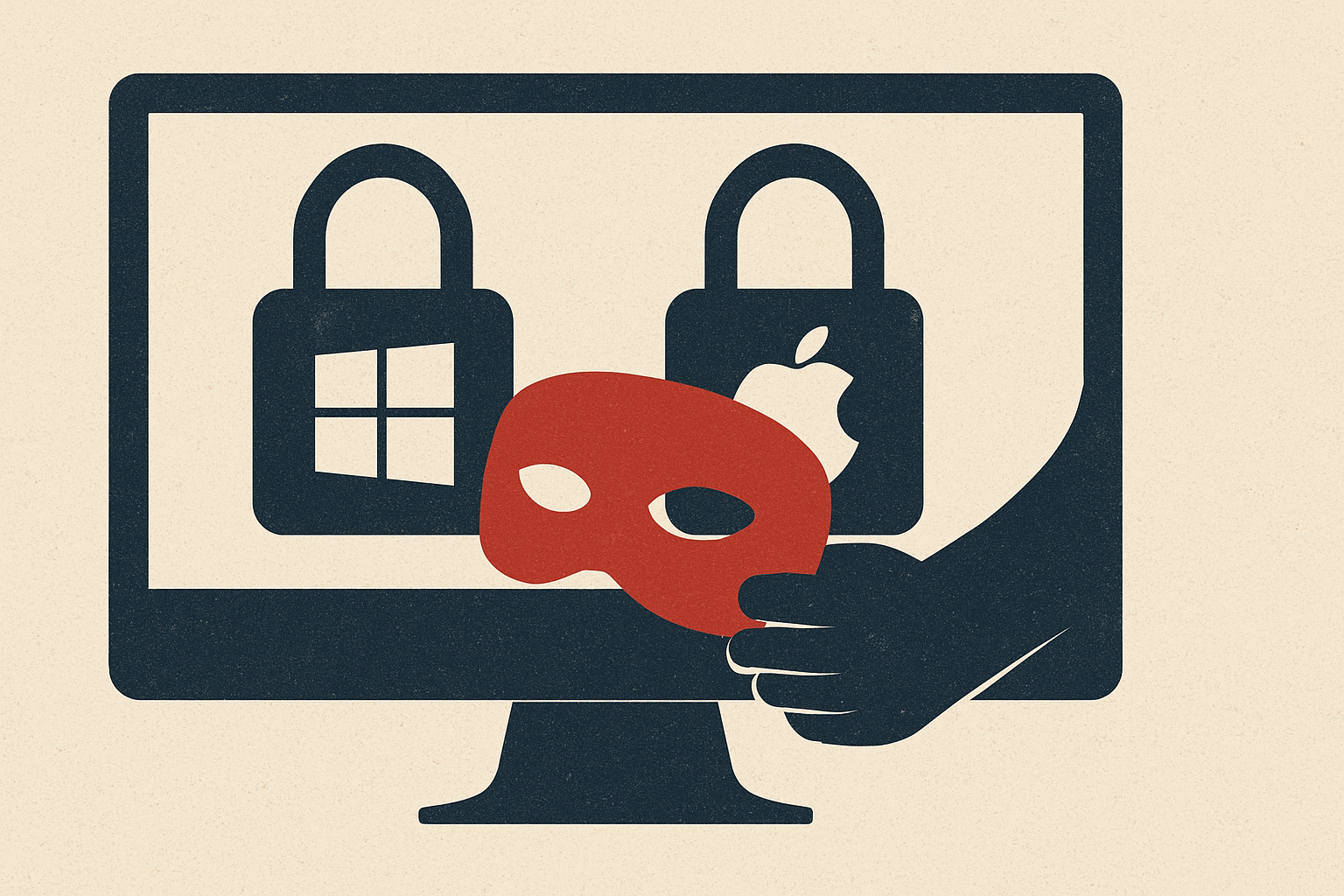
A fake Microsoft security alert. A convincing Apple support callback. A scammer on the line who sounds entirely legitimate. Tech support scams have evolved into one of the most financially devastating forms of consumer fraud in the United States — and the numbers prove it. According to the FBI's 2024 Internet Crime Complaint Center (IC3) report, tech support fraud ranked third among all cybercrime categories by financial loss, with victims reporting $1.46 billion in losses — a staggering 87% increase from 2022 and roughly $500 million more than the prior year. Behind every one of those losses is a real person who was deceived by a criminal masquerading as a trusted technology brand.
What Is This Fraud and How It Works
Tech support scams are a form of impersonation fraud in which criminals pose as representatives from well-known technology companies — most commonly Microsoft and Apple — to convince victims there is an urgent problem with their device or account. The FBI describes the core mechanic plainly: these scammers 'offer to fix non-existent issues — all so they can gain access to your wallet and sensitive information.' The scam typically begins with a pop-up warning or browser alert appearing on a victim's screen, claiming their computer is infected with malware, their account has been hacked, or their device is at risk. The message prominently displays a toll-free phone number and instructs the user to call immediately. Once on the phone, the scammer — posing as a Microsoft or Apple technician — builds false urgency and persuades the victim to grant remote access to their computer. From there, the criminal may install actual malware, harvest stored passwords and financial data, charge for fictitious 'repair services,' or pivot to a more elaborate secondary scam. A newer and particularly dangerous evolution involves the scammer transferring the victim to a supposed government official — an FBI agent or FTC representative — who claims the victim's bank accounts have been compromised and that their funds must be moved immediately to a 'safe' account controlled by the scammer. Victims are also directed to liquidate savings into gift cards, cryptocurrency, or even physical cash for drop-off. These multi-layered 'phantom hacker' schemes have dramatically increased average losses per victim.
Warning Signs to Watch For
Recognizing a tech support scam before it unfolds is the single most effective defense. Here are the key red flags every internet user should know:
**Unexpected pop-ups with phone numbers.** Legitimate companies like Microsoft and Apple do not generate browser pop-ups instructing you to call a number. If a message appears — even one bearing an official-looking logo — and urges you to call tech support immediately, treat it as a scam. Scammers frequently design these alerts to mimic real operating system error messages, complete with alarming sound effects and locked-screen overlays.
**Unsolicited contact claiming to be from a tech giant.** Whether the approach is a pop-up, a cold phone call, or even an email, trusted companies will never contact you out of the blue to tell you there is a problem with your computer. Real support is initiated by the user, not pushed by the company.
**Requests for remote access.** If anyone asks to remotely connect to your computer to 'diagnose' or 'fix' a problem you didn't know you had, stop the conversation. Remote access handed to a scammer gives them complete control over your device and everything on it.
**Pressure to pay with gift cards, wire transfers, or cryptocurrency.** These are untraceable payment methods favored by scammers precisely because they are nearly impossible to recover. No legitimate tech company will request payment in these forms.
**The 'hand-off' to a government official.** A new and dangerous escalation involves scammers transferring victims to a supposed government authority — the FTC, FBI, or Social Security Administration — who then doubles down on the urgency. This layered approach is designed to overwhelm victims who might otherwise be skeptical of a single caller.
**Millennials and Gen Z are not immune.** While older adults — those 60 and over — suffer the greatest absolute financial losses, a Microsoft study cited by fraud analysts found that Millennials and Gen Z were victimized more frequently than any other demographic group. Overconfidence in one's tech savviness can itself be a vulnerability.
How to Protect Yourself
Defending against tech support scams requires skepticism, preparation, and a few concrete habits. First and most importantly: never call a number displayed in a security pop-up. Close the browser tab or window entirely — and if the window is locked, shut down your computer by holding the power button. If you are genuinely concerned your device is compromised, contact the company directly using a phone number or website you look up independently, not one provided in the alert. Second, never grant remote access to anyone who contacts you first. This is a firm boundary. Even if the caller sounds professional, uses accurate-seeming information about your account, and references your real name or location, legitimate companies do not initiate unsolicited remote sessions. Third, keep software and operating systems updated. Scammers sometimes exploit patched vulnerabilities on outdated systems, and modern operating systems include built-in security tools. Microsoft, for example, offers built-in antivirus and firewall protection. Fourth, establish a trusted technician relationship before you need one. If you do experience a genuine device problem, having a known, reputable repair shop or IT contact to call eliminates the temptation to respond to a pop-up number in a moment of panic. Finally, talk to the people around you. Scam awareness spreads person-to-person with high effectiveness — sharing what you know with a parent, neighbor, or colleague may prevent a life-altering financial loss.
What to Do If You're Targeted
If you believe you have been targeted — or already victimized — act quickly. Time matters enormously when funds are in motion. If you provided remote access, disconnect your device from the internet immediately, then run a full antivirus scan or seek help from a trusted local technician. Change passwords for all sensitive accounts — especially banking, email, and any account where you reuse credentials — from a separate, clean device. If you transferred money, contact your bank or financial institution the same day. The FBI's Recovery Asset Team was able to freeze more than $561.6 million in stolen funds in 2024, but rapid reporting is essential. Report the scam to the FBI's Internet Crime Complaint Center at ic3.gov and to the Federal Trade Commission at ReportFraud.ftc.gov. Provide as much detail as possible: the phone number you were given, the website URL that appeared, any company name used, and the payment method requested. Law enforcement agencies are actively pursuing these operations internationally — in 2024, the FBI and India's Central Bureau of Investigation conducted 11 joint operations resulting in more than 215 arrests, a 700% increase from the prior year. Your report directly feeds that investigative pipeline. If an elderly family member was targeted, consider reaching out to your state's adult protective services in addition to filing federal reports, as there are specialized resources for senior financial abuse recovery.