Tech Support Scams: Microsoft & Apple Tactics
Tech support scams impersonating Microsoft and Apple cost Americans $1.46B in 2024. Learn how these scams work and how to protect yourself.
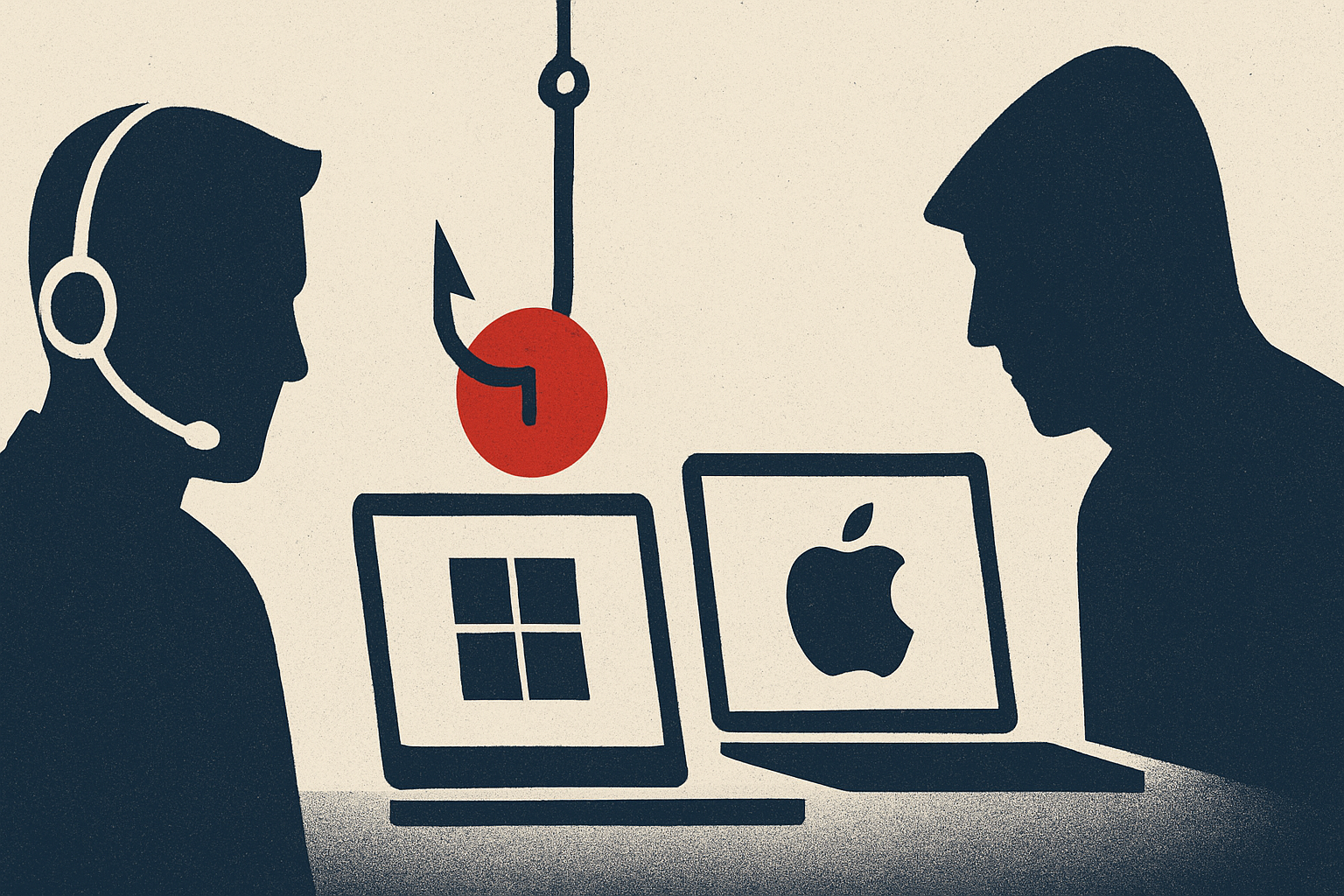
A fake Microsoft security alert. A pop-up warning that your Apple ID has been compromised. An urgent call from "Windows Support" demanding remote access to your computer. These are not rare edge cases — they are a $1.46 billion annual crime wave that the FBI's Internet Crime Complaint Center (IC3) confirmed is still accelerating. Tech support scams impersonating trusted brands like Microsoft and Apple have become one of the most financially devastating forms of consumer fraud in the United States, combining psychological pressure, technical sleight of hand, and convincing brand impersonation to separate victims from their life savings.
What Is This Fraud and How It Works
Tech support scams are a category of fraud in which criminals pose as technical support representatives from well-known companies — most commonly Microsoft and Apple — and fabricate device problems to steal money or sensitive information. According to the FBI, these scammers reach victims through unsolicited phone calls or text messages claiming to be from tech support, internet pop-up windows instructing victims to call a tech support number, and fake websites or online ads designed to mimic legitimate brands. The scam typically unfolds in stages. First, the victim encounters a convincing alarm: a browser pop-up that freezes the screen and displays official-looking Microsoft or Apple branding, complete with a warning that a virus has been detected or an account has been breached. The pop-up includes a phone number to call "immediately." Once the victim calls, a scammer posing as a support agent manufactures urgency, claiming the device is critically infected or that the victim's financial accounts are at risk. The agent then requests remote access to the computer — using tools like AnyDesk, TeamViewer, or Microsoft's own Quick Assist — which hands over full control of the device. From there, scammers may install actual malware, access banking credentials, harvest stored passwords, or directly initiate fraudulent transfers. A more sophisticated variant, known as the "Phantom Hacker" scam flagged by the IC3, escalates the deception further: after the fake tech support agent gains access, the victim is transferred to a second scammer who impersonates a government agency such as the FTC or the FBI, warning that the victim's accounts are under criminal investigation and that their funds must be moved to a "protected" account controlled by the scammer. Victims are instructed to pay through gift cards, wire transfers, cryptocurrency, or even physical cash handed to a courier. Losses attributable to tech support scams in 2024 reached $1.464 billion — an 87% increase from 2022 — and the IC3's 2025 annual report recorded more than 80,000 complaints in the tech support and government impersonation categories combined, with losses exceeding $2.9 billion.
Warning Signs to Watch For
Recognizing the hallmarks of a tech support scam in real time is your strongest defense. The first and most reliable red flag is unsolicited contact: Microsoft, Apple, Google, and your bank will never call you out of the blue and ask for remote access to your computer — full stop. Any pop-up, call, or text that initiates contact and claims a device emergency is a scam signal by design. Scammers deliberately create a sense of urgency to produce fear and pressure victims into immediate action before they have time to think critically or seek a second opinion. Watch for the following specific warning signs: a browser pop-up or alert that freezes your screen and displays a toll-free number; a caller who claims to be from Microsoft, Apple, or Geek Squad and already "knows" there is a problem with your device; a request to install any remote-access software so the caller can "fix" the issue; demands for payment via gift cards, wire transfer, cryptocurrency, or physical cash; and a transfer to a second caller who claims to be a government agent or bank fraud investigator. Millennials and Gen Z are victimized by these scams more than any other demographic group, according to a Microsoft report cited by Forbes — dispelling the myth that only older adults are at risk. That said, the IC3 confirms that call centers overwhelmingly target older adults, and victims over 60 account for roughly two-thirds of total dollar losses across all age groups.
How to Protect Yourself
Protection begins with a firm mental rule: legitimate tech companies do not make unsolicited outreach about device problems, and they never ask you to install remote-access software in response to an alert you did not initiate. If a pop-up appears on your screen warning of a virus or breach, close your browser — do not call the number displayed. If the browser is frozen, force-quit the application using your operating system's task manager; this will not cause the "damage" the scammer claims is imminent. Never call a number displayed in a security pop-up warning. Never download software at the request of an unknown individual who contacted you. Never contact a telephone number provided in a pop-up, text, or email. Keep your operating system and legitimate antivirus software up to date; companies like Microsoft offer free built-in security tools that can help reduce exposure. For families with elderly relatives, consider establishing a pre-arranged verification protocol: any incoming call claiming to be from a tech company, bank, or government agency is treated as suspicious until the recipient has hung up and independently called a trusted family member or the company's official number. This simple step removes the decision from a moment of manufactured panic.
What to Do If You're Targeted
If you have already engaged with a tech support scammer, act quickly — the faster you respond, the better your recovery odds. If you granted remote access to your computer, disconnect it from the internet immediately to cut off the scammer's control. Then run a full security scan with trusted antivirus software and change all passwords, starting with your email, banking, and any account the scammer may have viewed. If you sent money, contact your bank or card issuer immediately to attempt a recall; fund recoveries are far more likely within the first 24–48 hours. Report the fraud to the FBI's Internet Crime Complaint Center at ic3.gov and to the FTC at ReportFraud.ftc.gov. If the scammer impersonated Microsoft or Apple, report the incident through those companies' official websites as well — this helps platforms investigate and take down fake support pages, phone numbers, and ads using their brands. The FTC has demonstrated that enforcement action can produce real results: in March 2025, the agency sent more than $25.5 million in refunds to 736,375 consumers who had been deceived by tech support firms Restoro and Reimage through deceptive marketing and telemarketing tactics. Reporting your experience is not futile — it builds the evidentiary record that drives investigations, enforcement actions, and ultimately, refunds to victims.